
A file-first UI design workspace installed as a local development dependency in your application. Requires Node 22.19+ (Node 24 LTS recommended).
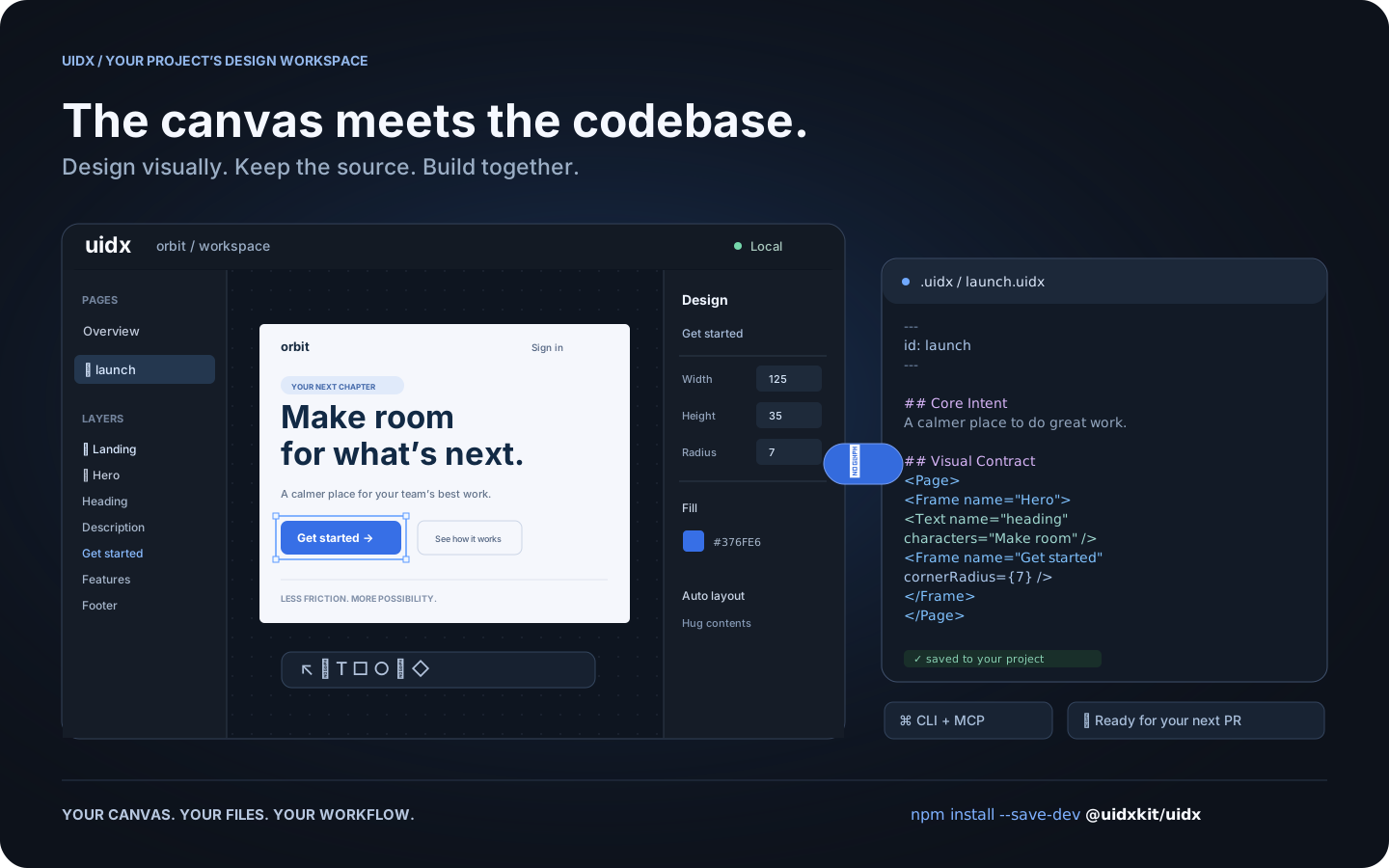
Run this in your application repository:
npm install --save-dev @uidxkit/uidx
npm run uidx
Installation adds uidx and uidx:mcp npm scripts, creates .uidx/ if missing,
merges .mcp.json, and installs portable skills. Existing designs, configuration,
MCP servers and skills are preserved. The CLI, server, built viewer, WASM and
fonts live in your project's node_modules; no global installation is needed.
Use -D / --save-dev to save @uidxkit/uidx as a development dependency. Recent
npm versions do not run install scripts until they are approved, so the first
npx uidx dev performs the same setup itself; alternatively approve the script with
npm install-scripts approve @uidxkit/uidx, or run npx --no-install uidx init after
installation (also the path when UIDX_SKIP_INIT=1 is set). When a script name is
already taken, use npx --no-install uidx init --script design and then npm run design.
Commit your .uidx/ directory alongside application code:
.uidx/
├── config.json      # { "port": 4400 }
├── uidx.json        # document id, page globs and asset globs
├── welcome.uidx     # starter page for a new workspace
├── assets/
└── .gitignore       # ignores generated server and agent state
Edit .uidx/config.json to configure the shared viewer/MCP port (1–65535), then
restart the server. npm run uidx -- --port 4500 overrides it for one run.
Configuration is JSON; TypeScript config files are not currently supported.
If the port is busy, the server tries the next port; CLI/MCP find the live port.
The default .uidx/uidx.json includes "files": ["**/*.uidx"] and
"assets": ["assets/**"]. Add pages in nested folders; new pages appear
automatically. Images such as assets/logo.svg are relative to .uidx/.
Viewer and file edits sync both ways.
npm run uidx starts one project server serving the viewer, WebSocket sync, and
MCP at /mcp. It opens the browser at http://localhost:4400 by default.
The generated .mcp.json starts npm run --silent uidx:mcp as a stdio bridge
when your MCP client connects. CLI agent commands call the same server.
npm run uidx -- --no-open             # keep running in a separate terminal
npx --no-install uidx status
npx --no-install uidx check
npx --no-install uidx fmt --check
npx --no-install uidx create button.uidx --id button
npx --no-install uidx read welcome.uidx --mode outline
npx --no-install uidx apply welcome.uidx --ops edits.json
npx --no-install uidx render welcome.uidx -o preview.png
npx --no-install uidx --help
uidx dev discovers the nearest project's workspace even from a subdirectory.
uidx open path/to/page.uidx opens a specific page. Agent commands need the
running project server; check and fmt also work offline.
MIT. Bundled code and fonts retain their own licenses; see third-party notices.