


nativeMons is a Windows launcher for playing every Pokémon generation, from Red to Ultra Moon, as native PC games. Pick a game from one menu with a controller, keyboard or mouse, and it starts on its own engine.
- Native ports, not emulation. Each game runs on a PC port of it. Every engine is a fork that keeps pulling its upstream updates.
- 3DS games too. X to Ultra Moon run natively with 3DSrecomp+Zakuro, built once on your PC from your own cartridge dump. A 3DS emulator is there as an optional fallback.
- Your saves, kept safe. Each game's save is backed up before every session, checked after it, and shared by every engine that game can run on.
- Your collection. A Pokédex across all your games, and Pokémon moved between generations.
- Fan games and more. It installs Pokémon Infinite Fusion for you, and runs any other PC game you add.
You need your own game files (ROMs): no games come with nativeMons. Not affiliated with or endorsed by Nintendo, Creatures Inc., GAME FREAK inc. or The Pokémon Company.
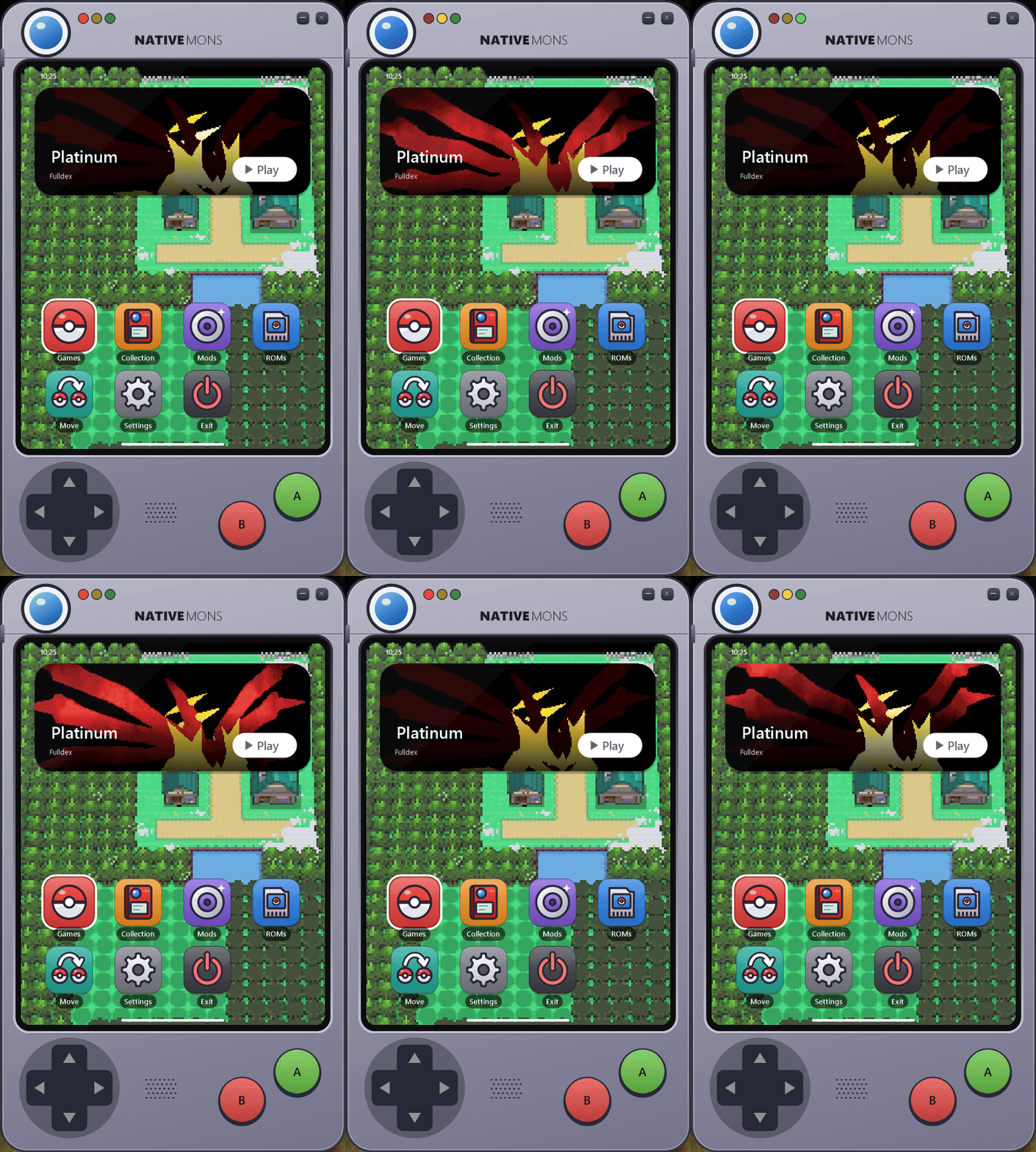
The first engine listed is the default; a game's page switches it to another.
| Gen | Games | Engines |
|---|---|---|
| 1 | Red, Blue, Yellow | Gen1Recomp |
| 2 | Gold, Silver, Crystal | Gen1Recomp |
| 3 | Ruby, Sapphire | Gen1Recomp |
| 3 | FireRed, LeafGreen, Emerald | Fulldex, Gen1Recomp |
| 4 | Diamond, Pearl | nativeplat |
| 4 | HeartGold, SoulSilver | Fulldex |
| 4 | Platinum | Fulldex, Platinum PC port, nativeplat |
| 5 | Black, White, Black 2, White 2 | Fulldex |
| Gen | Games | Engines |
|---|---|---|
| 6 | X, Y, Omega Ruby, Alpha Sapphire | 3DSrecomp+Zakuro (recommended), 3DS emulator |
| 7 | Sun, Moon, Ultra Sun, Ultra Moon | 3DSrecomp+Zakuro (recommended), 3DS emulator |
- 3DS games: 3DSrecomp+Zakuro plays them more smoothly than an emulator. An emulator (AzaharPlus or Azahar, installed from the launcher if you want one) is the fallback, and AzaharPlus is the only way to play an encrypted dump.
- Fan games: Pokémon Infinite Fusion and Infinite Fusion 2 need no ROM: the launcher installs them.
- Your ROMs: most engines expect the US release of a game, and the launcher tells you if a ROM isn't one it can run. Games and ROMs covers which dumps work, several versions of one game, and ROM hacks.
Which download?
- Stable (recommended): checked before every release. CHANGELOG.md lists what each version changed.
- Dev: every new change as soon as it's made. It can break, so back up your saves.
What you need: Windows 10 or 11, and your own game files (ROMs).
- Download it. On the release page, click Download Windows ZIP.
- Unzip it. Right-click the file, choose Extract All..., then Extract. Keep the folder somewhere easy to find, such as Documents or the Desktop (not Program Files).
- Open it. Double-click NativeMonsLauncher in that folder.
- If Windows says "Windows protected your PC", click More info, then Run anyway. nativeMons is free and has no paid signing certificate, so Windows doesn't know it yet.
- Add your games. Choose Add a folder and pick the folder your ROMs are in, or drag that folder onto the
window. You can add more later under ROMs.
- It finds Game Boy, Game Boy Color, GBA and DS games (
.gb,.gbc,.gba,.nds, or a.zipof them) and 3DS games (.3ds,.cci). File names don't matter: it reads each ROM to tell which game it is. - 3DS games set themselves up: the launcher asks once, then builds each one in the background while you use it.
- It finds Game Boy, Game Boy Color, GBA and DS games (
- Give it a minute the first time while it gets your games ready. After that it opens in about a second.
- Play. Choose Games, pick a game, and press Play.
Saves from another emulator? Settings > Import saves brings them in and leaves the originals as they are.
A DS game that won't start? Some DS ROMs need a small fix first (their secure area decrypted), and the launcher
offers it when it finds one. The fix uses Python 3; if your PC doesn't have it, the launcher fetches Python's
official package from python.org into its own tools\python folder, without installing anything in Windows.
| Guide | What's in it |
|---|---|
| Using the launcher | Getting around, adding games by dropping files, shortcuts, the first start |
| Games and ROMs | Which dumps each engine takes, several versions of a game, ROM hacks |
| 3DS games | 3DSrecomp+Zakuro and the optional emulators |
| PC games | Pokémon Infinite Fusion and Infinite Fusion 2, and any other PC game |
| Saves | Save slots, import and export, one save across engines, backups |
| My Collection and Move Pokemon | Your Pokédex across games, and moving Pokémon between them |
| Mods | Gen1Recomp mods: installing, finding, and mods that need or clash with others |
| Settings | Game options, quick start, Discord, updates, controls |
| Engines | nativeplat, the Platinum PC port, and everything nativeMons is built from |
| Building from source | Building it yourself, and the pre-release check |
| Linux and Steam Deck (early) | Early, not ready for everyone: running it under Proton or Wine |
Parts of Gen1Recomp inspired this project and helped with research along the way. For the Gen1Recomp engine included here: Based on the Pokemon Gen 1 Recompilation Project by BOIS CLUB GAMES, LLC (https://github.com/bryanthaboi/gen1recomp).
- Pokémon Fulldex by mamesj, a fork of ssrecomp by ClickingMaster, using melonDS and mGBA.
- nativeplat by sohamb117, from the pret decompilations. Not affiliated with nativeMons.
- Pokémon Platinum PC port by cybervisi0n and contributors, using libntr (MIT), from the pret decompilation. Not affiliated with nativeMons.
- Zakuro and 3dsrecomp by fearkov (both MIT), for 3DSrecomp+Zakuro, built from our fork with our own tool that builds each game's code on your PC. Zig (MIT), the C compiler it uses, is fetched from ziglang.org for the first build. Not affiliated with nativeMons.
- Optional 3DS emulators, downloaded only when you choose one, each built from our fork with small changes for nativeMons (each build's source is on its release): Azahar by the Azahar team, from Citra (GPL-2.0-or-later; our fork), and AzaharPlus by its contributors, from Azahar (GPL-3.0; our fork, without its system-file downloader). They show as "Azahar-modified (nativeMons)" and so on: they aren't the official builds, and their authors aren't affiliated with nativeMons.
- Pokémon Infinite Fusion by chardub (Frogman) and its contributors, made with Pokémon Essentials; its custom fusion sprites are by the Infinite Fusion artist community. Not included: the launcher imports it from your own copy or its GitHub, or runs your own installation. Not affiliated with nativeMons.
- PKHeX.Core by Kaphotics and contributors.
- OpenHome by Andrew Benington (GPL-3.0), running on Node.js.
- mGBA by endrift and contributors (MPL-2.0), in the GBA player with our widescreen change, and as its libretro core for romhacks' title screens.
- Pokemon GBA Widescreen by mamesj (in Pokémon Fulldex), whose idea and game protocol the GBA player follows; its widescreen patches are our own, written from the pret decompilations' names.
- Widescreen for romhacks and other versions in the GBA player: PokeDaisy's EXPAND (GPL-3.0), unchanged. Based on PokeDaisy by Lidor Itzhari - https://github.com/lidor30/pokedaisy
- rcheevos by the RetroAchievements team (MIT), for RetroAchievements in the GBA player, through Pokémon Fulldex's achievements code.
- LÖVE, which runs Gen1Recomp.
- Python by the Python Software Foundation (PSF License), fetched from python.org only when you patch a ROM and have no Python 3.
- The Gen1Recomp community mod index, read for Find mods. Its listings are by the mods' authors, and the mods are theirs.
- hails.nds-Patcher by Hails.
- Pokédex entries from PokéAPI.
- Pokémon pictures served by hailsDotGO at pogo.hails.app, from the PokeAPI sprites collection. The busy Poké Ball is based on its "Updating" page.
- Noto Sans by Google (SIL Open Font License 1.1), included for where Windows' own fonts aren't installed, such as Linux.
- Launcher design from the Skate 3 Rust Engine's hails-additions branch.
Not affiliated with or endorsed by Nintendo, Creatures Inc., GAME FREAK inc. or The Pokémon Company. Pokémon and all related names belong to their owners.
GPL-3.0-or-later (see LICENSE). Each engine keeps its own license and credits, including the additional terms in
Gen1Recomp's LICENSE.MD.