
- Runs the model's commands in a Linux sandbox with the file and network access you set.
- Saves conversations, tool activity, and Git checkpoints so you can inspect, resume, or fork a session from an earlier turn.
- Shows the task graph, token usage and compaction as they happen.
- Pinned instructions survive compaction; repository memory carries facts across runs.
- Verifies work with a configured or inferred command, checking the starting tree by default, and reports whether the result passed, failed, or remains unverified.
- Runs parallel attempts in isolated clones with
--parallel Nor a list of models, then ranks the results for you to choose which to merge. - Defines long-running workflows in editable TOML state machines, combining agent runs, tool calls, waits, and branches with offline tests, crash recovery, and replay from recorded results.
- Supports repository
AGENTS.mdinstructions, SKILL.md packs, MCP servers, and background commands for development servers and watchers. - Eight runtime dependencies, no telemetry, and no automatic updates.
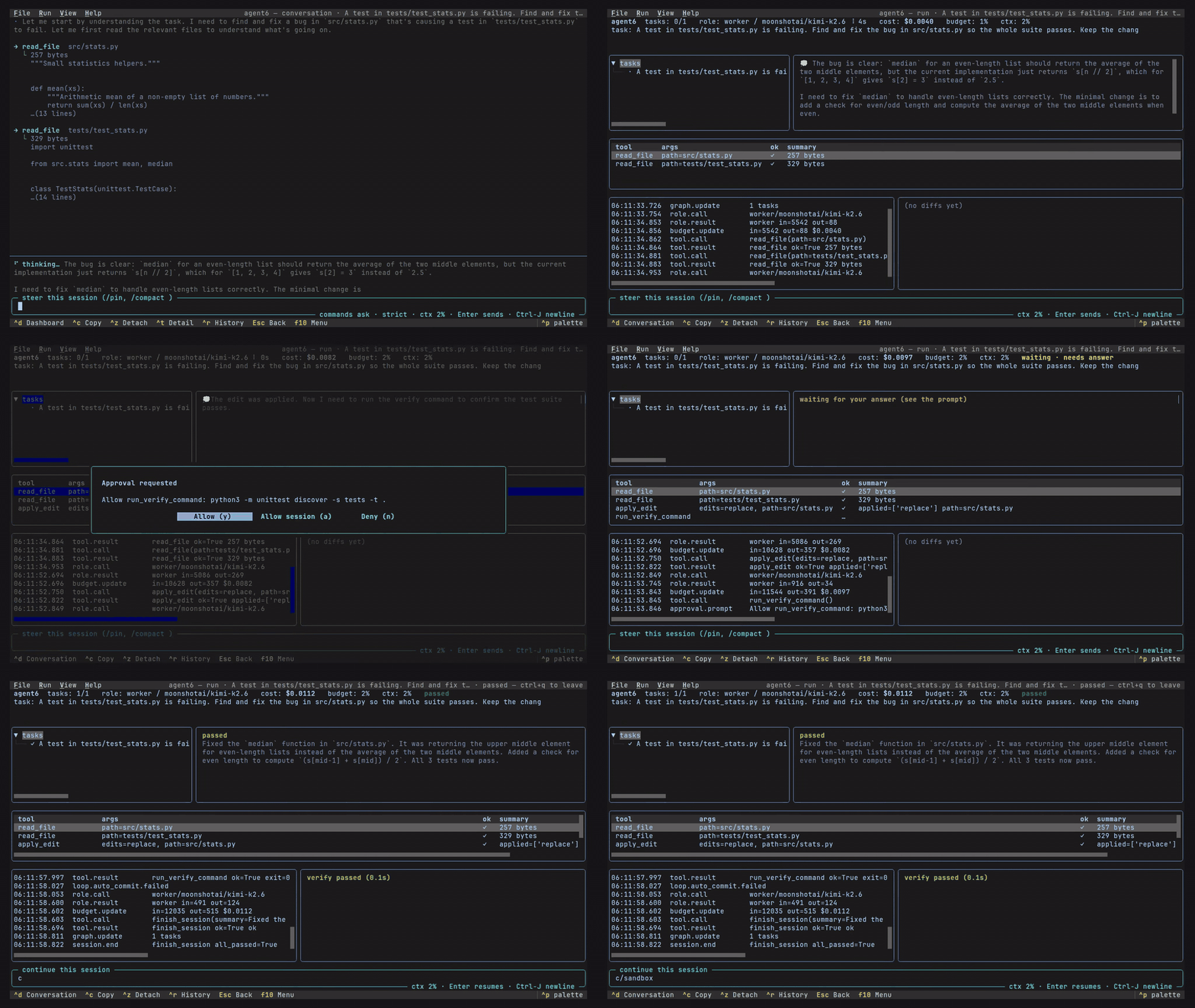
agent6 tui terminal interface |
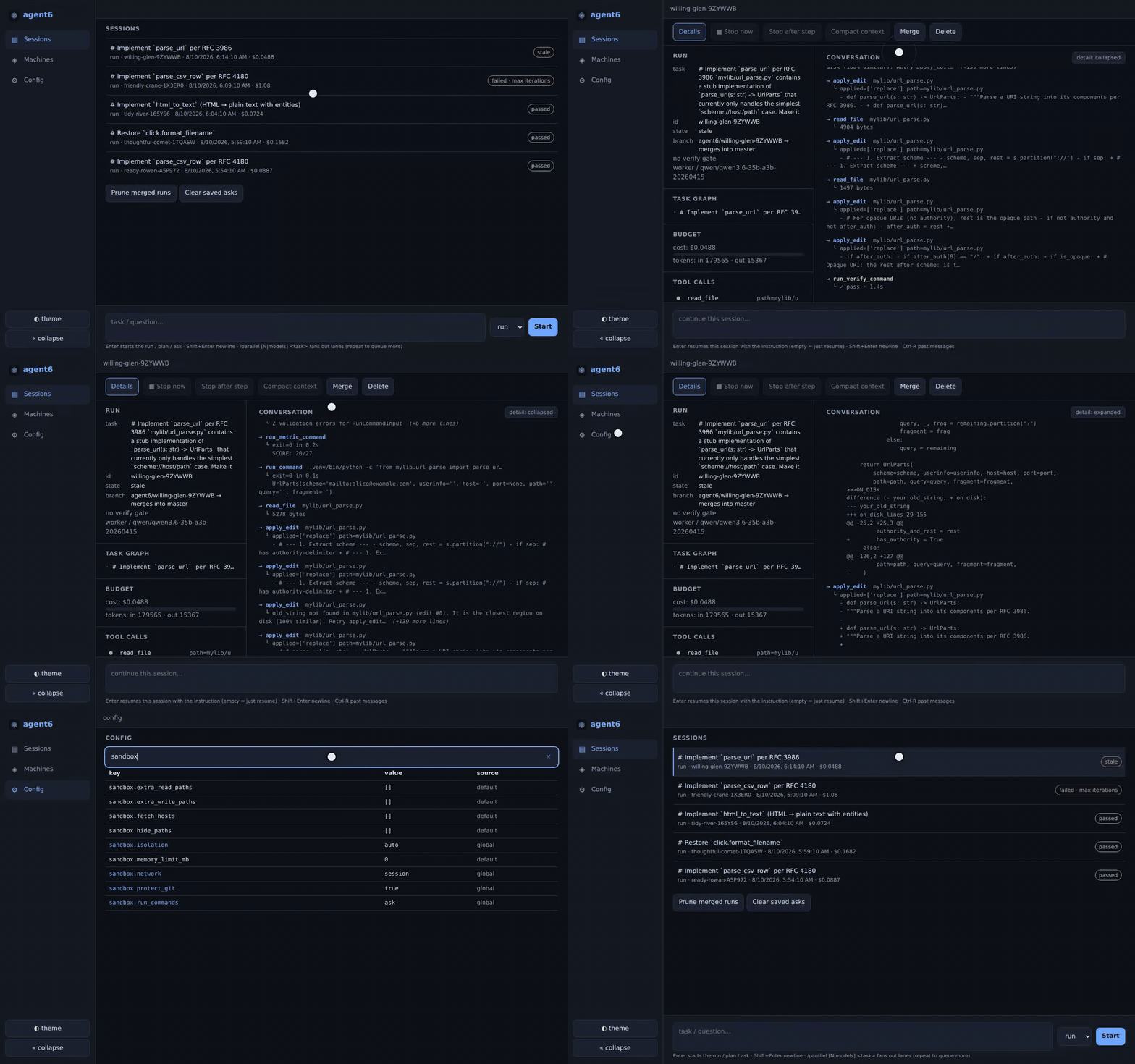
agent6 web browser interface for desktop or phone |
Also available as a streaming CLI and through ACP editor integration.
Sandboxing supports Linux on x86_64 and aarch64; macOS runs without it, and Windows users should use WSL.
Install with uv or pipx, then connect a provider and select a model:
uv tool install agent6      # or: pipx install agent6
agent6 connect              # configure a provider
agent6 model worker         # choose a model
Use Anthropic or any OpenAI-compatible endpoint, including OpenAI, OpenRouter, Ollama, vLLM, llama.cpp, and LM Studio.
For subscriptions, replace agent6 connect with agent6 connect chatgpt or agent6 connect claude; the latter uses your installed, signed-in Claude Code binary.
agent6 completions installs tab completion for your shell.
A run edits your current checkout.
Checkpoint commits go on a separate agent6/<id> branch; checkpointing leaves your current branch's history and index in place.
For a separate checkout, use agent6 run --worktree "your task", which starts from committed HEAD without copying uncommitted changes or untracked dependencies.
cd your-repo
agent6 check                # check configuration and sandbox support
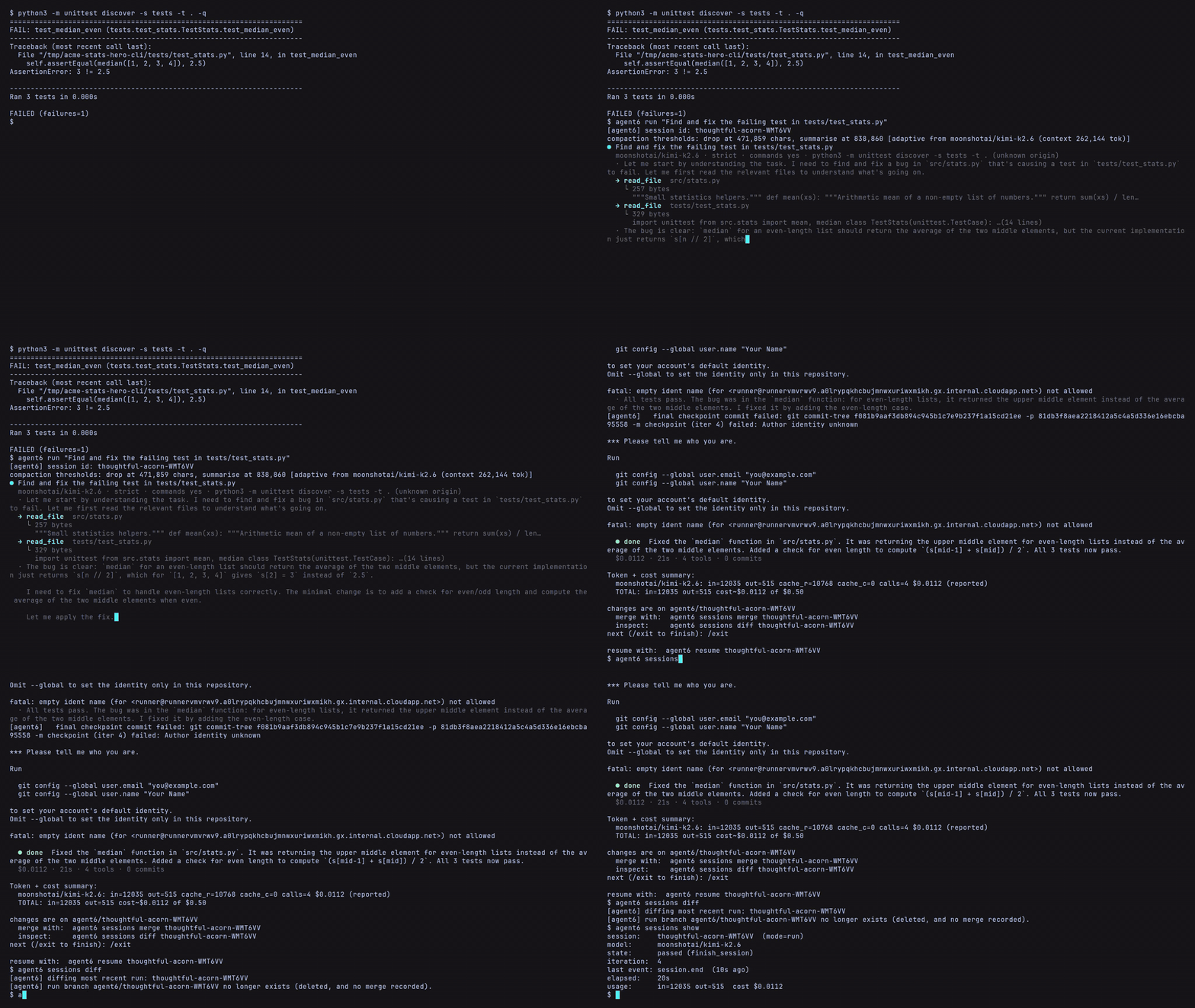
agent6 run "add a --json output mode to the CLI"
Commands ask for approval by default.
After the task finishes, enter another instruction or type /exit.
Inspect the latest session, then merge its recorded changes when ready:
agent6 sessions show        # status and verification result
agent6 sessions diff        # recorded changes
agent6 sessions merge       # merge into the run's starting branch
Other commands:
| Command | Purpose |
|---|---|
agent6 plan "task" |
plan a change; agent6 run --from <plan-id> carries it out |
agent6 ask "question" |
ask about the repository |
agent6 review |
review a diff |
agent6 attach <id> |
follow a live session |
agent6 steer <id> "instruction" |
direct the next steps |
agent6 stop <id> --after-step |
stop after the current step |
agent6 resume <id> |
continue an interrupted run |
agent6 fork <id> --at-turn 7 |
fork a coding run from an earlier turn into a separate worktree |
To give a finished run more work, use agent6 resume <id> --steer "next task".
agent6 config show prints effective settings and where each value came from.
Changes are global unless you add --repo for a repository override, for example:
agent6 config set --repo harness.verify_command '["uv", "run", "pytest"]'The worker, planner, and reviewer can use different models and reasoning effort; unset planner and reviewer roles use the worker. Budgets limit spending, tokens for unpriced calls, and supported subscription usage.
The sandbox confines model commands; the agent6 process remains trusted, holds provider credentials, and connects to your configured providers. MCP is off by default, and locally spawned servers use the command sandbox unless explicitly configured otherwise.
sandbox.isolation = "auto" selects the strongest available level (full, partial, or none) and warns when it falls back, including to no confinement.
Under full, the default sandbox.network = "auto" gives a run's commands a private network; partial and none use the host network.
The defaults are sandbox.network = "auto", sandbox.run_commands = "ask" and sandbox.protect_git = "auto".
agent6 check sandbox shows the effective file and command boundaries, network and approval settings, and live probe results.
Report bugs or confusing behavior, or report vulnerabilities privately.