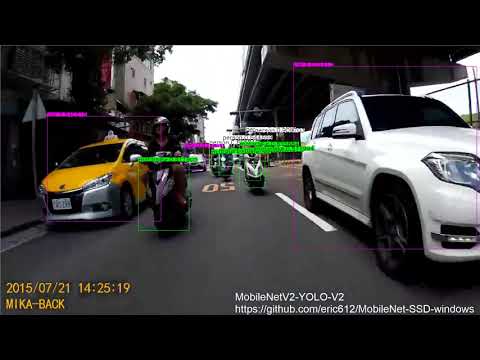
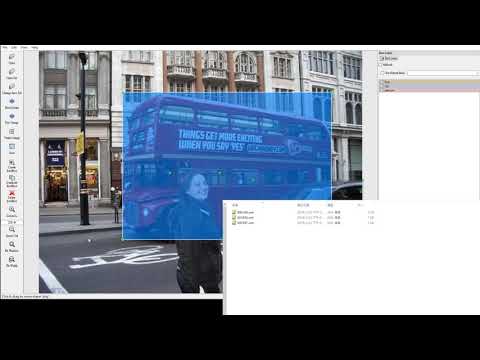
**This is an experimental, fixed some bugs from https://github.com/runhang/caffe-ssd-windows and I add following items into project
- Support MobileNetV2 (source from MobileNetv2-SSDLite )
- Support yolov2 loss layer (source from my git caffe-yolov2-windows)
- Rplace group convolution layer from depthwise layer , speed 4x up faster with group convolution
- Visual Studio 2013 or 2015
- CMake 3.4 or higher (Visual Studio and Ninja generators are supported)
- Anaconda
- Python for the pycaffe interface. Anaconda Python 2.7 or 3.5 x64 (or Miniconda)
- Matlab for the matcaffe interface.
- CUDA 7.5 or 8.0 (use CUDA 8 if using Visual Studio 2015)
- cuDNN v5
We assume that cmake.exe and python.exe are on your PATH.
Create a python2.7 env from Anaconda and activate
> cd $caffe_root/script
> build_win.cmd
Edit build_win.cmd and set varible MSVC_VERSION=12
config build_win.cmd and set CPU_Only flag to 0
Download SSD_300x300 deploy model and save at
$caffe_root\models\VGGNet\VOC0712\SSD_300x300\
Download deploy weights from original web and save at
$caffe_root\models\MobileNet\
> cd $caffe_root/
> dectect.cmd
> cd $caffe_root
> python examples\ssd\test_ssd.py data\VOC0712\000166.jpg models\MobileNet\MobileNetSSD_deploy.prototxt models\MobileNet\MobileNetSSD_deploy.caffemodel
If load success , you can see the image window like this

Set detect.cmd varible "detector" (0,1) to switch VGG or MobileNet
Download lmdb
Unzip into $caffe_root/
Please check the path exist "$caffe_root\examples\VOC0712\VOC0712_trainval_lmdb"
Download SSD_300x300 pretrain weights and save at
$caffe_root\models\VGGNet\
> cd $caffe_root/
> train.cmd
Download pre-train weights from original web and save at
$caffe_root\models\MobileNet\
> cd $caffe_root/
> train_mobilenet.cmd
> cd $caffe_root/
> train_mobilenet_v2.cmd
> cd $caffe_root/
> train_yolo.cmd
follow this project step
> cd $caffe_root/
> demo_yolo.cmd

> cd $caffe_root/
> demo.cmd or demov2.cmd (MobilenetSSD_V2)
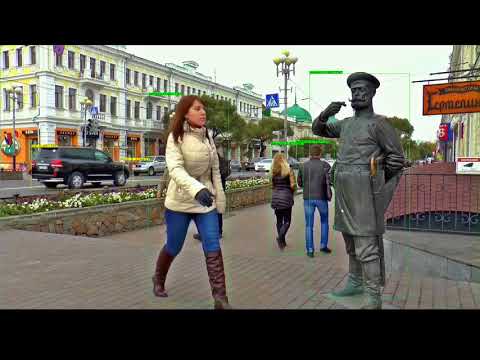
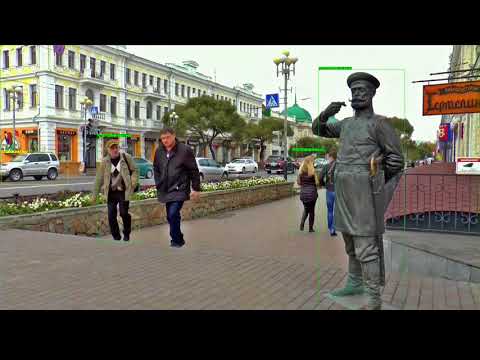
> cd $caffe_root/
> demo_webcam.cmd
char* CLASSES2[6] = { "__background__","bicycle", "car", "motorbike", "person","cones" };
> cd $caffe_root/
> demo.cmd or demov2_custom.cmd
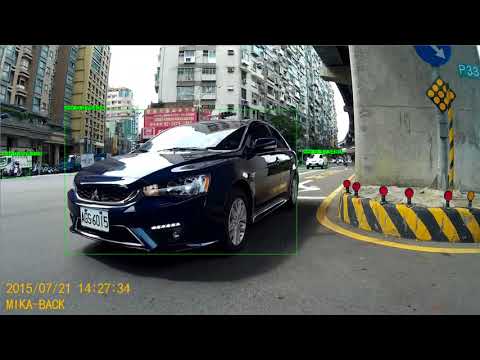
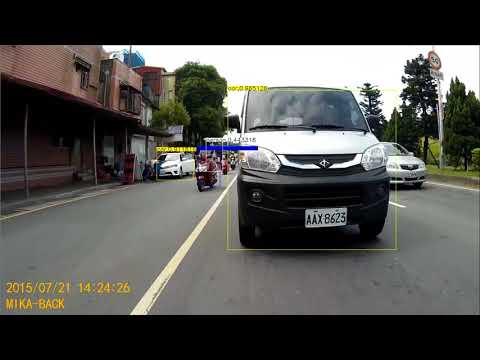
> cd $caffe_root/
> demo_yolo_custom.cmd