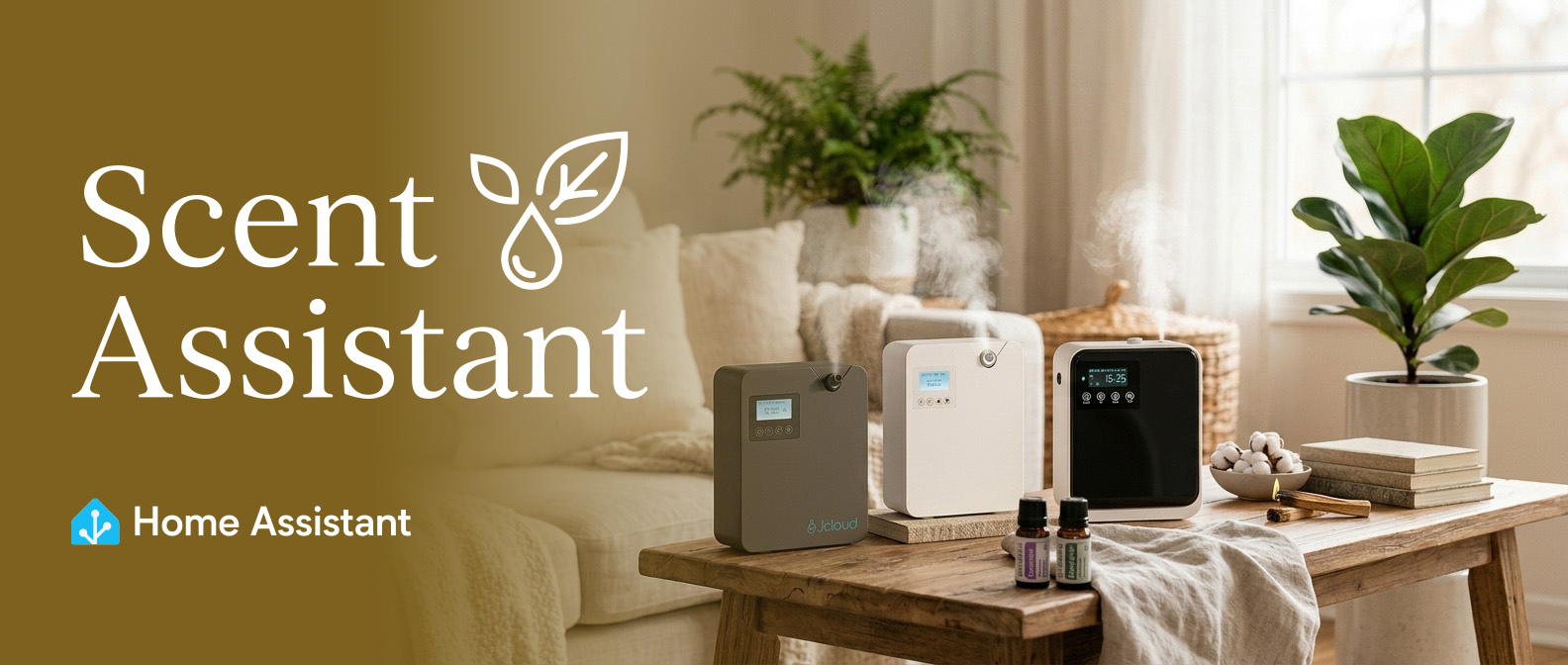






A Home Assistant custom integration for controlling scent and aroma diffusers via Bluetooth or WiFi.
Supports devices using the Aroma-Link, Aroma Buddy, Scent Marketing and Scentiment apps.
- Bluetooth (BLE) - Fully local control, no cloud account needed, all features including fan control
- WiFi / Cloud - Control via Aroma-Link cloud API, works from anywhere, no Bluetooth required
- Connect-on-Demand - BLE connects only when sending commands, frees the adapter for other devices
- Automatic Time Sync - Device clock synced on every connection
- Schedule Management - Set spray schedules via dashboard or automations
- Multiple Devices - Add as many diffusers as you want
This ak-v3-custom fork is based on upstream Scent Assistant v1.2.2. It adds
tested support for the Scent Marketing Ultra Max Tower A316 Bluetooth variant
(manufacturer 0x5943, service FFF0, characteristic FFF6). It is limited
to the observed A316 protocol and does not claim support for other AK models.
- Authenticated startup supports the observed
OK01fallback, then performs dynamic21time synchronization and capability-aware metadata reads. - Schedule reading collects five direct
4Arecords and sends only the permittedCAacknowledgements. AK V3 does not use V283,89, or86schedule traffic. - Manual Refresh is supported. State is retained after an intentional temporary disconnect when it belongs to the current authenticated generation.
- Schedule reading and authenticated schedule editing are runtime-validated
only for the Ultra Max Tower A316. Validation changed Schedule 5 temporarily,
confirmed it through a physical direct-
4Aread-back, restored the exact baseline, and completed a final physical verification. The reversible test usedrollback_on_failure: falseand exactly two logical2Awrites. This does not validate schedule editing for other AK models. - Automatic periodic polling is not implemented.
Warning: Installing upstream Scent Assistant or another fork through HACS can overwrite these customizations. Keep this repository selected if you rely on the A316 AK V3 behavior.
| Device | App | Connection | Notes |
|---|---|---|---|
| Aroma-Link WiFi+BLE Diffusers | Aroma-Link | BLE + Cloud | Full support including fan control via BLE |
| JCloud Scent Diffusers | Aroma-Link | BLE + Cloud | Same as Aroma-Link, different branding |
| Cavir Smart Scent Air Machine | Aroma-Link | BLE + Cloud | Same as Aroma-Link, different branding |
| AromaPlan Diffusers | AromaPlan | BLE + Cloud | Same as Aroma-Link, different branding |
| DAP Smart Scent Air Machine (Model 11, A5) | AromaPlan | BLE | Broadcasts as DAP.A5.Bluetooth; uses Aroma-Link protocol |
| Aromadd U5 Pro | Aromadd | BLE | Same as Aroma-Link, different branding; reports oil level |
| Crearoma Diffusers | Aroma-Link | BLE + Cloud | Same as Aroma-Link, different branding |
| ShinePick QT-I300 | Aroma Buddy | BLE | Tuya BLE protocol |
| Scentiment Diffuser Air 2 | Scentiment | BLE | JSON-over-BLE protocol; intensity, RGB LED, battery |
| Scent Marketing diffusers (SA_* series) | Scent Marketing | BLE | V2 + V3 variants; Power, Fan, Program switch, intensity, schedule read-back |
| Home Luxury Scents HLS-450+ | Home Luxury Scents | BLE | Rebadged Scent Marketing AK family |
| Aromely Aro Max | Aromely | BLE | Power, Fan, daily schedule (work/pause), HVAC scent diffuser |
Most waterless cold-air nebulizing scent/aroma diffusers that use the Aroma-Link or Aroma Buddy apps should work. These are sold under various brand names on Amazon and AliExpress.
Have a working device not listed here? Please open an issue to let us know!

- Click the button above, or in Home Assistant go to HACS > Integrations > three dots > Custom repositories
- Add
https://github.com/khalidaljasim/scent-assistantas Integration - Search for Scent Assistant and click Download
- Restart Home Assistant
- Download the
custom_components/scent_assistantfolder from this repository - Copy it to your Home Assistant
config/custom_components/directory - Restart Home Assistant
⚠️ Manual installation will not provide automatic update notifications. HACS is recommended.

Click the button above to start setup, or follow the steps below.
Fully local, no account required. Supports all features including fan control.
- Go to Settings > Devices & Services > Add Integration
- Search for Scent Assistant
- Select Bluetooth
- Your diffuser should appear in the device list
- Select it and you're done
Note: Make sure no other device (phone, tablet) is connected to the diffuser via Bluetooth. BLE only allows one connection at a time.
Control your diffuser via the Aroma-Link cloud service. No Bluetooth required.
- Go to Settings > Devices & Services > Add Integration
- Search for Scent Assistant
- Select WiFi / Cloud
- Enter your Aroma-Link account credentials
- Select your device from the list
Note: Requires an Aroma-Link account and internet connection. Fan control is only available via Bluetooth.
The set of entities depends on which device family is connected.
| Entity | Type | Description |
|---|---|---|
| Power | Switch | Turn diffuser on/off |
| Status | Sensor | Current phase: spraying / paused / idle / off |
| Entity | Type | Description |
|---|---|---|
| Fan | Switch | Fan on/off (Aroma-Link, BLE only) |
| Start Time | Time | Daily schedule start time |
| End Time | Time | Daily schedule end time |
| Work Duration | Number | Spray duration in seconds |
| Pause Duration | Number | Pause between sprays in seconds |
| Time Sync | Button | Manually sync the device clock to current local time (BLE only) |
| Oil remaining | Sensor | Liquid level percentage (Aroma-Link models that report it) |
| Diffuse Now | Button | One-shot diffusion: on, then auto-off after Momentary Duration (Aroma-Link) |
| Momentary Duration | Number | Run time for Diffuse Now in seconds (Aroma-Link) |
| Diffusion time remaining | Sensor | Seconds left in the current spray phase (Aroma-Link, BLE + Cloud) |
| Pause time remaining | Sensor | Seconds left in the current pause phase (Aroma-Link, BLE + Cloud) |
| Battery | Sensor | Battery percentage (Aroma-Link models with a battery) |
| Entity | Type | Description |
|---|---|---|
| Level | Number | Spray intensity (1–3) |
| LED | Light | RGB color picker + on/off |
| Battery | Sensor | Battery percentage |
| Entity | Type | Description |
|---|---|---|
| Fan | Switch | Fan on/off (V3 devices) |
| Program | Switch | Schedule / program enabled (V3 devices — independent of Power) |
| Lamp | Switch | Auxiliary LED lamp |
| Child Lock | Switch | Lock physical buttons |
| Intensity | Number | Spray intensity / grade (0–10 on V2, 0–20 on V3) |
| Work / Pause Duration | Number | Custom spray timing (V3 — switches the schedule to Custom mode) |
| Schedule mode | Select | Custom (uses Work/Pause Duration) vs Level (uses Intensity grade) — V3 |
| Start Time / End Time | Time | Daily schedule window |
| Oil remaining | Sensor | Fragrance level percentage (V3 models with an oil sensor) |
| Oil remaining (ml) / Oil capacity | Sensor | Current and total fragrance volume (V3) |
| Oil consumption / Oil days remaining | Sensor | Usage rate and estimated days left (V3; days computed in Custom mode) |
Set a complete spray schedule for specific days. Useful for automations.
service: scent_assistant.set_schedule
data:
  days:
    - mon
    - wed
    - fri
  start_time: "08:00"
  end_time: "20:00"
  work_seconds: 15
pause_seconds: 60| Parameter | Required | Default | Description |
|---|---|---|---|
days |
Yes | - | List of days: mon, tue, wed, thu, fri, sat, sun, or all |
start_time |
No | 00:00 |
Start time (HH:MM) |
end_time |
No | 23:59 |
End time (HH:MM) |
work_seconds |
No | 10 |
Spray duration (5-600 seconds) |
pause_seconds |
No | 120 |
Pause between sprays (5-3600 seconds) |
enabled |
No | true |
Enable or disable the schedule slot |
automation:
  - alias: "Scent on when home"
    trigger:
      - platform: state
        entity_id: person.your_name
        to: "home"
    action:
      - service: switch.turn_on
entity_id: switch.scent_diffuser_powerautomation:
- alias: "Weekday scent schedule"
trigger:
- platform: time
at: "00:00"
condition:
- condition: time
weekday: [mon, tue, wed, thu, fri]
action:
- service: scent_assistant.set_schedule
data:
days: [mon, tue, wed, thu, fri]
start_time: "07:00"
end_time: "18:00"
work_seconds: 10
pause_seconds: 120
- alias: "Weekend scent schedule"
trigger:
- platform: time
at: "00:00"
condition:
- condition: time
weekday: [sat, sun]
action:
- service: scent_assistant.set_schedule
data:
days: [sat, sun]
start_time: "09:00"
end_time: "22:00"
work_seconds: 15
pause_seconds: 60automation:
- alias: "Scent off at night"
trigger:
- platform: time
at: "23:00"
action:
- service: switch.turn_off
entity_id: switch.scent_diffuser_power- Make sure no other device is connected to the diffuser via Bluetooth (close the app on your phone)
- Try power-cycling the diffuser
- If your HA device is too far away, consider using an ESPHome Bluetooth Proxy
- Check the HA logs for BLE connection errors
- Try reloading the integration: Settings > Devices & Services > Scent Assistant > three dots > Reload
- Power-cycle the diffuser
Fan control is only available via Bluetooth. If you set up the device via Cloud/WiFi, the fan switch will not appear. This is a limitation of the Aroma-Link cloud API.
The integration uses connect-on-demand: it briefly connects, sends the command, then disconnects after 10 seconds. If your HA host is too far from the diffuser, consider:
- An ESPHome Bluetooth Proxy (ESP32, ~$5)
- A USB Bluetooth dongle closer to the diffuser
This integration was built by reverse engineering the BLE protocols of both device types. For full protocol documentation, see PROTOCOL.md.
| Protocol | Header | Checksum | Features |
|---|---|---|---|
| Aroma-Link | A5 AA AC ... C5 CC CA |
XOR | Power, fan, per-day scheduling (5 slots), time sync |
| Tuya BLE (Aroma Buddy) | 55 AA ... |
Sum mod 256 | Power, scheduling (5 setups), time sync |
| Scent Marketing AK | 8F login (PIN 8888) + 2A/4A schedule |
None (length-framed) | Power, Fan, Program, schedule read-back; V2 + V3 variants |
| Aromely Aro Max | 55 <dir> <reg> <type> [len payload] on FFE0/FFE1/FFE2 |
Sum mod 256 | Power, fan, daily schedule (work/pause as u16 seconds) |
Contributions are welcome! If you have a diffuser that uses the Aroma-Link or Aroma Buddy app and can help test, please open an issue.